
Generative AI can dramatically speed up visual production for marketing and corporate communications. But speed without guardrails can create legal exposure, brand risk, and trust erosion—especially in B2B. Below is a practical playbook: the real ethical risks, how to mitigate them, and a clear workflow your team can repeat (plus a pre‑publish checklist).

Key takeaways for ethical AI-generated corporate visuals
- Ethics is operational: the safest teams don’t “just prompt better”—they build a workflow (brief → generate → review → approve → archive).
- Consent + rights come first: avoid creating or implying real people, brands, or copyrighted styles without clear permission.
- Bias is a brand risk: if your imagery repeatedly reinforces stereotypes, you lose credibility (and can create HR or reputational issues).
- Transparency protects trust: decide when disclosure is appropriate, and keep internal traceability (prompt logs, sources, approvals).
- Governance enables speed: a clear policy and checklist reduce rework and prevent “launch day panic” escalations.
What “corporate imagery” means in the generative AI era
“Corporate imagery” is any visual asset a company uses to communicate credibility, value, and identity—across marketing, sales, product, HR, investor relations, and internal comms. In practice, it includes:
- Website hero images, product visuals, banners, landing graphics, and illustrations.
- Social media visuals, ad creatives, and campaign assets.
- Case study imagery, industry visuals, and presentation decks.
- Corporate photography: team images, office scenes, event content.
- Icons, diagrams, branded “systems visuals”, and explainers.
Generative AI makes it easy to produce visuals that look “professional” in minutes. That’s exactly why ethics matters: it becomes easy to publish content that looks credible even when it isn’t grounded in truth, consent, or rights.
Practical rule: if an AI-generated image could change a viewer’s belief (“this is real”, “these are your employees”, “this is a customer case”, “this is a real product attribute”), you need stronger review and clearer disclosure.
Why ethical AI imagery matters more in B2B
In B2B, visuals do more than “look nice”. They create trust signals. Your prospects evaluate competence, stability, and risk. If your imagery feels misleading, generic, or ethically questionable, it doesn’t just hurt aesthetics—it hurts perceived reliability.
Ethical issues often show up later, at the worst time: during procurement, a compliance review, a partnership due diligence process, or after a campaign goes viral for the wrong reasons. The goal is not to avoid AI—it’s to use it in a way that stands up to scrutiny.
- Brand credibility: “AI-perfect” visuals can feel artificial and reduce perceived authenticity.
- Legal + compliance exposure: rights, privacy, and contractual obligations can be triggered by one image.
- Reputation management: bias or insensitive representation creates public backlash quickly.
- Operational waste: unclear rules cause last-minute removals, rework, and approval bottlenecks.
The 7 ethical risks you must manage
1) Consent, privacy, and likeness rights
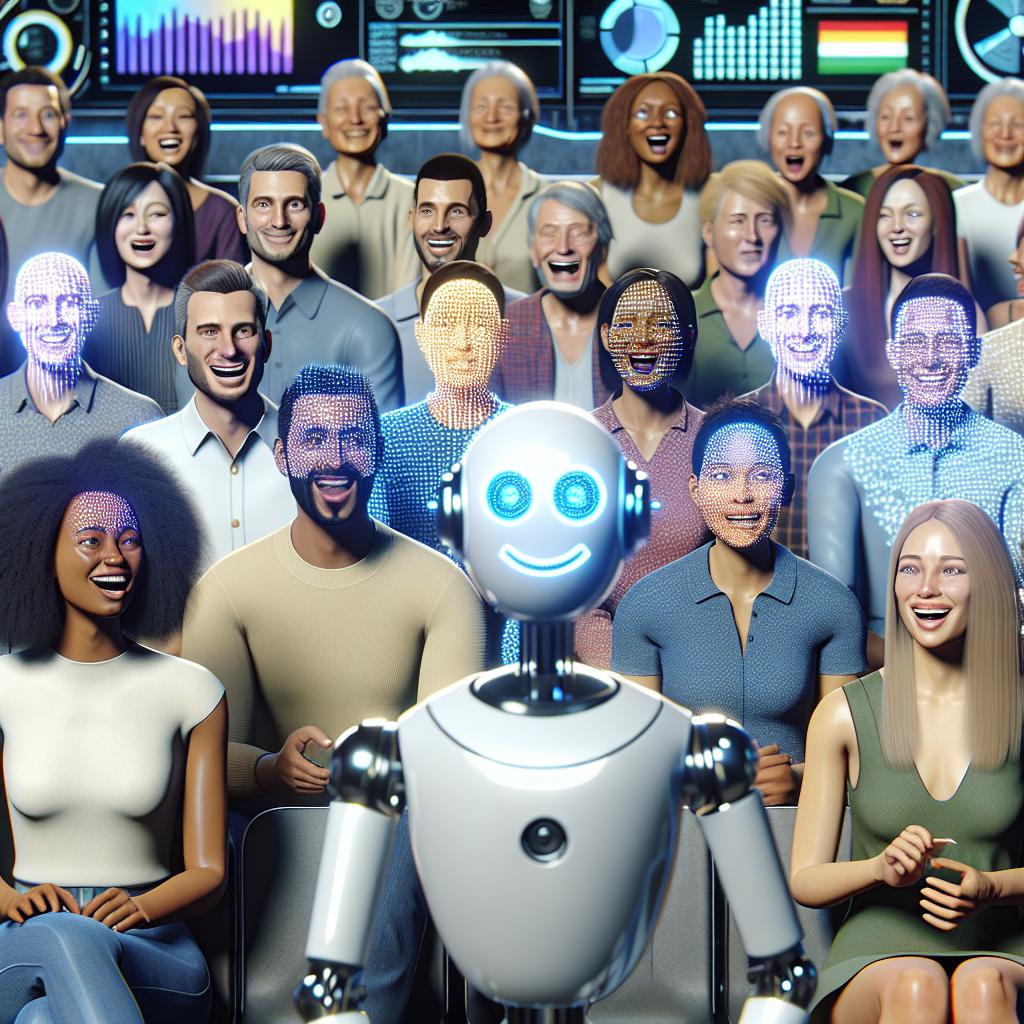
The most common corporate mistake is generating people visuals that imply real individuals. Even if no real person was used, the output can resemble someone, include identifiable attributes, or be interpreted as “your team” or “your customers”.
- Do not generate “employee photos” unless you have a clear policy, consent, and a controlled process.
- Be careful with “virtual models” and realistic faces—especially in sensitive industries (health, finance, insurance, public sector).
- Avoid sensitive inferences (health conditions, emotions, ethnicity stereotypes) in any corporate visual narrative.
2) Copyright, licensing, and dataset provenance
The copyright status and licensing of AI-generated images depends on the tool, your contract, and jurisdiction—and the landscape is evolving. Ethically (and operationally), your team should avoid assumptions like “AI means free”.
- Inputs matter: do not upload copyrighted photography, client material, or brand assets unless your tool and process explicitly allow it.
- Outputs can still be risky: an image can unintentionally echo recognizable styles, characters, or proprietary visual elements.
- Terms vary: commercial usage rights are tool-specific and may change—keep a record of the terms used at the time of creation.
3) Trademark and brand misuse
Corporate imagery often includes products, packaging, logos, UI screenshots, or industry visuals. AI systems can accidentally generate something that looks like a competitor’s trademark, a protected design, or a real product.
- Never publish AI-generated logos as a “final” brand mark.
- Avoid competitor-like packaging or UI in commercial images.
- Run a visual scan for unintended marks, text, and symbols before publishing.
4) Bias, representation, and harmful stereotypes
Generative AI can reproduce biased patterns (who looks like a “CEO”, who looks like “technical staff”, who looks like “a customer”, etc.). In corporate contexts this becomes a governance issue because it impacts your public-facing narrative.
- Audit your image set as a batch, not as single assets. Patterns appear across 20–200 visuals.
- Define representation guidelines (roles, age, accessibility, geography) aligned with your values and markets.
- Use diverse review panels for major campaigns to catch blind spots early.
5) Deception, deepfakes, and “too-real” visuals
A polished image can communicate “this happened” even when it didn’t. That’s a problem when visuals imply real factories, real employees, real case studies, or real performance outcomes.
- Don’t illustrate claims you can’t substantiate (e.g., “our AI reduced emissions by 80%”) with hyper-real visuals.
- Avoid synthetic “testimonial imagery” that looks like real customers.
- Be extra strict with leadership images (anything that could be misinterpreted as an executive quote or event photo).
6) Confidentiality and data leakage (uploads)
The biggest operational risk is not the generated image—it’s what your team uploads while trying to generate it: internal documents, product roadmaps, customer names, or proprietary designs.
- Assume uploads can be stored unless your contract and tool settings guarantee otherwise.
- Define a “no-upload” list (customer data, internal screenshots, unreleased product visuals, contracts).
- Use redaction + synthetic placeholders for concepting if you must work with sensitive references.
7) Accountability and approvals
Ethics breaks down when “everyone is responsible” (which means no one is). A reliable system assigns roles: who briefs, who generates, who reviews, who approves, and who archives evidence.
- Define an approver: a named role that owns “publish/no publish”.
- Keep traceability: prompts, key settings, sources, and version history for high-impact assets.
- Use escalation paths: when uncertain, pause and route to legal/compliance rather than guessing.
A responsible workflow (brief → generate → review → publish)
The fastest teams are the ones with rules. Here’s a practical workflow you can adopt immediately—whether you produce images internally or with external partners.
-
Brief the image with “truth constraints”.
Define what must be accurate (industry context, product attributes, environments, claims) and what must never appear (logos, real people, sensitive topics, regulated promises). -
Choose the right image type: realistic vs illustrative.
If realism increases the risk of deception, shift to illustration, 3D, or abstract visuals. Many B2B pages convert better with “clear + credible” rather than “hyper-real”. -
Generate with controlled references.
Use brand-safe style rules and avoid prompting for recognizable artists, characters, or competitors. Keep prompts consistent across a batch to reduce style drift. -
Run a “visual safety” review.
Check: unintended text, logos, stereotypes, misleading context, unrealistic product properties, and sensitive inferences. -
Do a rights + privacy pass.
Confirm the image doesn’t imply a real employee/customer, doesn’t use restricted references, and follows your internal policy and vendor terms. -
Approve and archive traceability.
For important assets, store: prompt, tool, date, editor, approver, and the final exported file. This reduces future risk when questions appear months later. -
Publish with the right level of transparency.
Decide whether a label/attribution is appropriate for your context. Even when not public, keep internal notes for accountability.
Operational tip: treat AI imagery like any other production pipeline. A “repeatable process” beats a “creative sprint” if your goal is consistency, brand safety, and speed at scale.

Pre‑publish checklist for AI-generated corporate imagery
Use this checklist before any AI-generated visual goes live on your website, ads, or sales materials. It’s written to be practical—so your team can say “yes/no” quickly.
- Truth: Does the image imply a real event, a real customer, or a real facility? If yes, can we support that claim—or should we use a different visual style?
- Consent: Could this image reasonably be interpreted as a real person (employee, customer, public figure)? If yes, stop and validate consent/policy.
- Privacy: Does it contain personal data, faces, badges, names, screens, license plates, or identifiable details (even accidentally)?
- Rights/IP: Does it resemble a recognizable character, artist style, copyrighted photo, or protected design? Is there any risky reference in the prompt?
- Trademarks: Are there any accidental logos, brand marks, UI elements, or product labels that look real?
- Bias: Across the full set, are roles represented fairly (leadership, technical roles, service staff), or are stereotypes repeating?
- Brand consistency: Does it match your brand’s tone (colors, realism, composition, “feel”), or does it look like generic stock?
- Quality control: Any obvious AI artifacts (hands, edges, text, reflections, anatomy, inconsistent materials)?
- Claims compliance: If paired with numbers (“+30%”, “faster”, “secure”), is the visual reinforcing a claim you can substantiate?
- Tool terms: Do we have a record of the tool used, licensing terms, and any restrictions relevant to commercial usage?
- Traceability: For high-impact assets, did we store the prompt, the final file, version history, and the approver?
- Disclosure decision: Have we decided whether to label the image as AI-generated (publicly or internally), based on context and risk?
Want this checklist as a reusable internal doc? Email info@bastelia.com and we’ll send a copy you can adapt to your team’s workflow.
Internal AI imagery policy: what to include
A good policy should be short enough to follow and strict enough to prevent risk. If your policy is 30 pages, teams will ignore it. If it’s 3 lines, it won’t protect you.
Here’s a proven outline that balances clarity and control:
- Scope & definitions: what counts as AI-generated, AI-assisted editing, synthetic people, and “high-risk imagery”.
- Approved tools & accounts: which tools are allowed, who can use them, and what settings (data retention, privacy mode, etc.).
- Allowed vs prohibited use cases: examples make this actionable (e.g., “allowed: abstract visuals for blog headers”; “restricted: realistic humans for HR recruitment”).
- Inputs policy: what you can and cannot upload (client data, internal screenshots, contracts, unreleased products).
- Review & approval rules: who approves what; what triggers legal/compliance review; how to escalate.
- Disclosure guidelines: when to label AI-generated images, where to add context, and how to avoid misleading impressions.
- Storage & traceability: where files live, how naming/versioning works, and what records are required for campaigns.
- Audit & refresh: how often the policy is reviewed as tools and laws evolve.
Simple governance hack: define one concept called “publishable”. If an image is not publishable by your standard (rights, quality, truth, brand), it doesn’t ship—no matter how “cool” it looks.
Questions to ask tools, agencies, and vendors
If you rely on external tools or partners to generate corporate imagery, your ethical stance should be reflected in your procurement and vendor management. The goal is to reduce uncertainty and remove hidden risks.
Commercial and rights questions
- What commercial usage rights do we get for outputs, and are there restrictions by channel (ads, packaging, resale)?
- How do you handle potential copyright conflicts or “too-similar” outputs?
- Do you provide any warranties or indemnities (or explicitly none)?
Privacy and data handling questions
- What happens to inputs we upload (storage, retention, training, logging)?
- Can we use a “no-training / private” mode, and is it contractually guaranteed?
- How do you handle requests to delete data and provide evidence of deletion?
Governance questions (the ones that prevent chaos)
- Can you support batch consistency (style rules, versioning, review checkpoints) instead of random one-off images?
- Do you provide traceability artifacts (prompt logs, settings, version history) for campaigns?
- What is your QA process for common AI artifacts (hands, text, logos, packaging, realism)?

How Bastelia helps teams ship AI visuals safely
If you want to use generative AI for corporate imagery without creating risk, the main requirement is a controlled production workflow: clear standards, human QA, and operational traceability.
If you prefer a managed approach (so your team gets publish-ready assets instead of raw generations), here are the most relevant ways we can help:
-
AI Image Production Services
Managed, on-brand image production with human QA and a rights-first mindset—built for consistent batches, not one-off experiments.
-
Compliance & Legal Tech
Audit-ready governance, documentation, and workflows that connect AI usage to real operational controls (not “policy-only”).
-
AI Training for Marketing Content
Hands-on training that turns AI into a repeatable, brand-safe system (research → brief → produce → review → publish).
-
AI Consulting & Implementation Services
For teams rolling out AI across departments: integration, measurement, guardrails, and governance from day one.
-
AI Text Content Production
If your visual strategy also requires consistent written content: human-edited, SEO-ready content packaging designed to rank and convert.
Want to apply the workflow above to your specific industry and brand constraints? Email info@bastelia.com with a link to your site and 2–3 example pages, and we’ll suggest the smallest “safe pilot” to prove quality before scaling.
FAQs about ethical generative AI for corporate imagery
Can we use AI-generated images commercially for our company?
Often yes, but it depends on the tool’s terms, your contract, and your internal policy. Commercial usage is not the same as “risk-free”: you still need to manage rights, trademarks, privacy, and misleading impressions. The safest path is to document the tool used, keep prompt records for high-impact assets, and run a consistent review process before publishing.
Do we need to disclose that an image was generated with AI?
Not always—but you should make a deliberate decision. If an image could be reasonably interpreted as a real event, a real person, or proof of a claim, transparency becomes more important. Many teams also keep internal disclosure by default (metadata + traceability) even when public labels are not used.
How do we avoid bias and stereotypes in AI-generated corporate visuals?
Review images as a set (not one-by-one). Define representation guidelines aligned with your values and markets (roles, age, accessibility, geography), and use diverse reviewers for major campaigns. If you notice recurring stereotypes, update your prompts and your selection rules—not just the final image.
Is it safe to generate “team photos” or “customer photos” with AI?
This is high-risk. Realistic people imagery can create privacy issues and misleading impressions. If you must use synthetic humans, define strict rules: no resemblance to real people, no implication of real employees/customers, and a clear approval path that includes legal/compliance for sensitive contexts.
What’s the biggest operational risk teams overlook?
Uploading sensitive information while trying to generate images: internal screenshots, product roadmaps, customer data, and confidential designs. The best mitigation is an explicit “no-upload list”, approved tools/accounts, and a simple escalation rule when someone is unsure.
What should we store for traceability?
For high-impact assets: the final file, the prompt (or brief), the tool used, date, creator, approver, and any critical settings. This helps you respond quickly if questions arise later (from compliance, customers, or partners).
Have a specific scenario you’re unsure about? Email info@bastelia.com with the context and where the image will be used, and we’ll suggest a safer approach.