
Warehouse Digital Twin • Picking Simulation

A warehouse digital twin is the fastest way to compare batch, zone, wave and hybrid picking using your real order profile—without disrupting operations. Instead of guessing, you simulate routes, congestion, staffing and system rules in a virtual replica of your facility, then choose the strategy that delivers the KPI you care about.
- Test “what‑if” scenarios: layout changes, slotting moves, wave rules, cartonization, AMRs/automation.
- Measure outcomes before you deploy: pick rate, order cycle time, travel distance, bottlenecks and SLA risk.
- De-risk investments: validate new processes, WMS logic or automation capacity without “live fire”.
Tip for a fast reply: include your WMS/ERP, a rough order volume (daily/weekly), and one KPI you want to improve (throughput, cut‑off reliability, labor cost, accuracy).
What is a warehouse digital twin (and what it’s not)
A warehouse digital twin is a virtual model of your facility and workflows that behaves like the real operation: locations, aisles, travel paths, pick faces, replenishment, equipment constraints, shift calendars, and (most importantly) the logic that creates work. With the right inputs, you can run simulations to see how picking strategies perform under different order mixes and constraints.
Digital twin vs. 3D model vs. simulation vs. emulation
These terms are often mixed. Getting the definition right helps you buy/build the right thing.
- 3D model: a visual representation of the warehouse. Useful for communication and layout planning, but it doesn’t necessarily reproduce process behavior.
- Simulation model: a controlled environment to test scenarios (peak volume, new routes, new batching rules) without real-world disruption.
- Emulation: a logic‑accurate reproduction of control behavior (WMS/WCS rules, equipment logic) to validate IT sequencing before go‑live.
- Digital twin: a continuously updated replica that can stay connected to live data, so you can monitor, diagnose and improve performance over time.
Why simulate picking strategies before changing operations
Picking improvements fail for one simple reason: the warehouse is a system. Changing batching rules can overload a put wall. Zone picking can create handoff bottlenecks. A “faster route” can increase congestion. New automation can shift constraints rather than remove them.
What simulation gives you that spreadsheets and “best practices” don’t
- Reality under constraints: travel time, aisle traffic, replenishment interference, station capacity, cut-off deadlines.
- Safe experimentation: test changes in hours instead of risking operational downtime.
- Comparable scenarios: the same baseline orders and the same KPIs across strategies (apples-to-apples decisions).
- Confidence for stakeholders: operations, IT and finance can align using visible evidence—not opinions.
The goal is not to “simulate everything”. The goal is to simulate the decision that matters right now: Which picking strategy and ruleset should we run for our current demand and constraints?
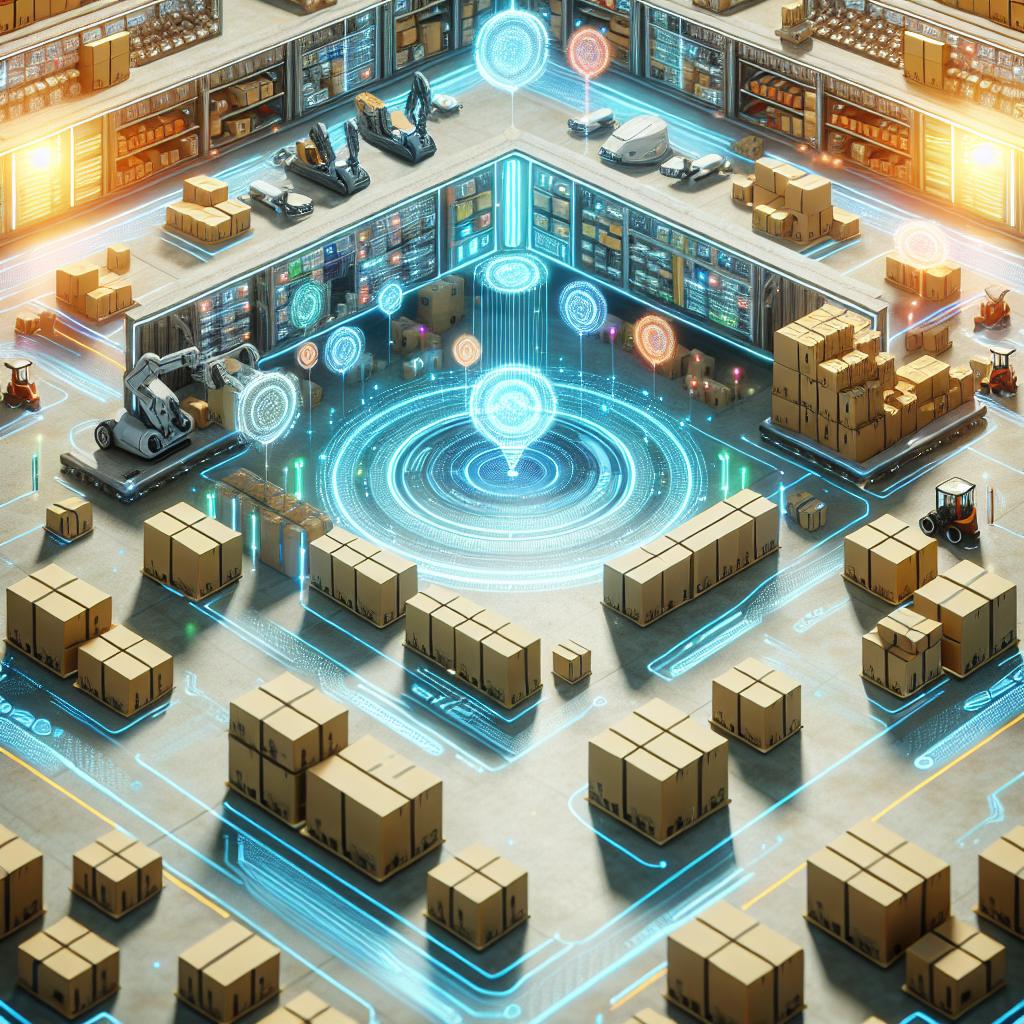
Picking strategies you can test in a warehouse digital twin
Most warehouses don’t need one “perfect” method—they need the best strategy for their order profile (SKU velocity, order size, carrier cut-offs), their layout, and their constraints (stations, replenishment, labor, equipment). A digital twin lets you compare strategies with the same baseline data.
Single order picking
Simple and predictable: one picker completes one order at a time. It’s easy to manage, but often wastes time walking.
- Best for: low volume, high variability, complex handling requirements, or when consolidation is costly.
- Watch out for: travel time dominates; improvements usually come from slotting, path rules and layout flow.
- Simulate: pick path rules (S‑shape / return / largest gap), congestion, and replenishment interference.
Batch picking
Multiple orders are grouped into a single tour to reduce travel. Great when orders share SKUs—less great when sorting/consolidation becomes the bottleneck.
- Best for: eCommerce or retail profiles with repeated SKUs and high line volume.
- Watch out for: downstream sorting capacity, mispicks, and “hidden” time at consolidation points.
- Simulate: optimal batch size, cart/tote constraints, route overlap, and put-wall/staging load.
Zone picking
The warehouse is divided into zones and pickers stay within their zone. This reduces walking inside a zone, but introduces handoffs and synchronization.
- Best for: large facilities, fast-moving zones near packing, or environments where specialization helps accuracy.
- Watch out for: “slow zone” bottlenecks, handoff queues, and imbalance when demand shifts.
- Simulate: zone boundaries, staffing per zone, handoff rules, and buffer sizing.
Wave picking
Orders are released in waves aligned to shipping schedules, labor availability, or carrier cut-offs. Powerful for control—risky when demand is volatile.
- Best for: stable cut-offs, predictable outbound lanes, and operations that benefit from timed release.
- Watch out for: backlog spikes if one stage (pick, pack, sort) falls behind.
- Simulate: wave timing, prioritization rules, and how exceptions propagate through the day.
Hybrid strategies (often the real answer)
Many high-performing operations run hybrids: zone + batch, wave + zone, single-order for exceptions, batch for standard items, and special flows for bulky/fragile SKUs. A digital twin helps you design a hybrid that stays stable under peak conditions.
- Best for: mixed product types, mixed SLAs, and multi-channel operations.
- Watch out for: complexity without governance (rules need ownership and monitoring).
- Simulate: routing logic by order type, staffing policies, and cutoff protection under stress.
What the digital twin must model to be useful
A warehouse twin becomes valuable when it reproduces how work is created and how resources interact. If the model ignores congestion, replenishment, station capacity, or human behavior, it will “look right” and still mislead decisions.
Minimum components for a picking-focused twin
- Layout + travel graph: aisles, cross-aisles, one-way rules, pick faces, distances and travel times.
- Order profile: real historical order lines, SKU co-occurrence, priority/SLAs, cut-offs, waves.
- Resources: pickers, carts/totes, scanners, forklifts, conveyors, put walls, packing stations.
- Operational rules: batching logic, zone boundaries, replenishment triggers, exception handling.
- Constraints + variability: shift calendars, breaks, speed differences, minor delays, congestion.
Calibration: the difference between “a model” and a decision tool
Calibration means matching the twin’s behavior to reality: average travel speeds, pick times by product type, handling times at stations, replenishment frequency, and how congestion builds in specific aisles or time windows. Once calibrated, you can trust comparisons between scenarios—even if the model is not perfect.
KPIs and scorecards for comparing picking scenarios
Your digital twin should output a scenario scorecard. If results aren’t measurable, it’s hard to adopt the change (and harder to defend it). Choose a small KPI set that reflects your real constraints.
Core KPIs (picking-focused)
- Throughput: lines picked per hour, orders completed per hour, peak-hour stability.
- Cycle time: order release → picked → staged → packed (where relevant).
- Travel: distance per order/line, time walking vs time picking (ratio matters).
- Congestion: queue time in aisles, station waiting time, handoff buffers filling.
- Labor utilization: productive time vs idle/waiting time; balance across zones.
- SLA risk: probability of missing cut-offs under demand spikes or resource loss.
Decision tip: don’t pick a winner without testing the “bad day”
The best strategy isn’t the one that wins on an average day—it’s the one that stays stable when things go wrong: a replenishment delay, a station down, a sudden order mix shift, or a staffing shortfall. A digital twin makes it easy to run those stress tests before you commit.

Data & integration checklist (WMS / ERP / WES / WCS)
You can start with exports, but the long-term advantage comes from connecting the twin to your operational systems. This is how the model stays aligned with reality and becomes a tool you can use repeatedly—season after season.
Data you typically need to simulate picking well
- Layout data: locations, aisles, zone definitions, pick face mapping (and restrictions).
- Inventory & slotting: SKU → location, velocity, replenishment rules, case/each handling constraints.
- Orders & tasks: historical order lines, priority flags, wave releases, task timestamps where available.
- Resources: headcount by shift, equipment availability, station capacities, packing/put wall throughput.
- Process times: pick time distributions, scan times, handling times, staging/packing times.
Integration points that unlock “continuous improvement”
When needed, the twin can integrate with WMS/WES/WCS logic (rules, wave planning, prioritization) and consume event data (task start/stop, scans, station queues). This enables ongoing optimization: new slotting tests, new batching rules, and seasonal re-tuning without rebuilding everything.
Implementation roadmap: from pilot to a living digital twin
The fastest path is to start small, prove value with a measurable scenario, then scale. Below is a practical roadmap that keeps effort proportional to the decision you need to make.
Step-by-step
- 1) Define the decision: “Which picking strategy should we run for our current demand and constraints?” Pick one primary KPI and one risk KPI.
- 2) Baseline the current state: capture today’s performance (cycle time, throughput, bottlenecks) and agree on definitions.
- 3) Build and calibrate the model: enough detail to reproduce real behavior where it matters (routes, stations, constraints).
- 4) Run scenarios: compare strategies + stress tests (peak days, missing staff, station slowdowns).
- 5) Decide and deploy safely: implement the winner with guardrails, phased rollout, and monitoring.
- 6) Optional: connect it live: keep the twin updated with real data so it becomes a repeatable optimization tool.
Common pitfalls (and how to avoid them)
- Unclear scope: if you try to model everything, you’ll ship nothing. Start with the picking decision that pays back first.
- No KPI baseline: improvements must be measurable, or adoption will stall in debates.
- Ignoring congestion and handoffs: “paper improvements” disappear when aisles queue or zones block each other.
- Over-trusting generic benchmarks: your SKU mix, layout and cut-offs determine the winner—simulate with your data.
- No operational owner: the twin needs ownership and a review rhythm, or it becomes a one-off project.
Next steps with Bastelia
If you want to simulate picking strategies with a warehouse digital twin and connect it to your stack, Bastelia can help end-to-end: data readiness, integration, simulation design, and deployment with measurable KPIs.
Start without forms
Email us at info@bastelia.com. If you share your system stack (WMS/ERP) and one pain point, we’ll reply with a practical suggestion for a first pilot scope.